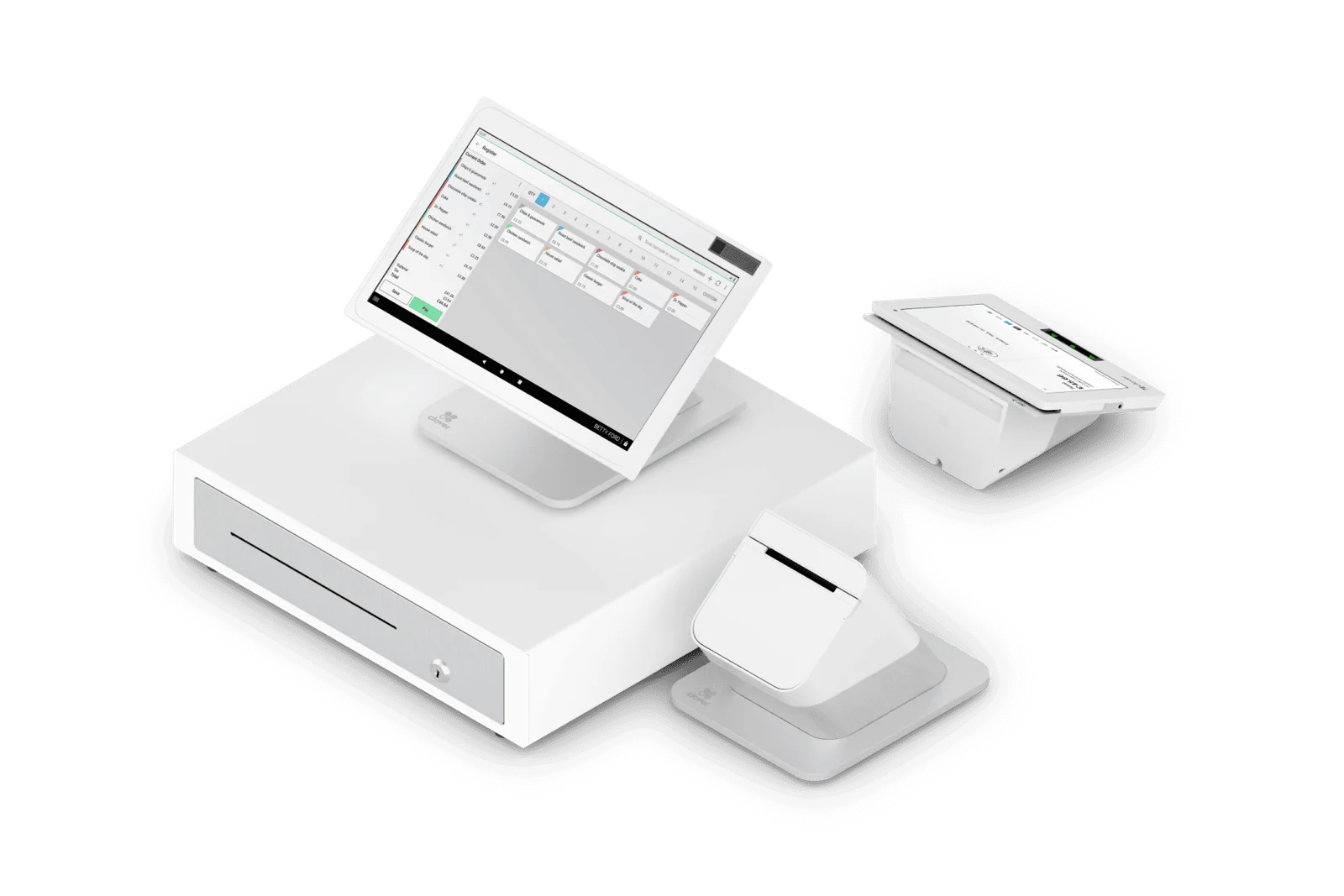
Which type of POS does your business need?
A fixed checkout, payments away from the counter and a kitchen order flow call for different configurations. Start with one normal sale and one difficult sale, such as a refund or a modified order. Ask each provider to demonstrate those same tasks before comparing proposals.
- Countertop setup: review screen space, customer-facing payment access, receipt printing and room for accessories.
- Handheld setup: prioritize where staff will use it; check coverage, charging, receipt options and the fallback when a connection is unavailable.
- Restaurant setup: demonstrate modifiers, kitchen routing, split payments and end-of-shift tasks in the proposed software.
- Retail or service setup: test your actual product, appointment or invoice workflow; do not assume payment acceptance includes those tools.
Clover, Valor, PAX and SkyTab: what to compare
These are different starting points, not interchangeable packages. Manufacturer descriptions explain the device format; your proposal must confirm the exact model, software plan, payment arrangement and included accessories. Availability and compatibility are checked for your business before equipment is ordered.
- Clover: Station Duo provides a customer-facing second screen; Mini is a compact countertop format and Flex is handheld. Choose the software plan as carefully as the device.
- Valor VP800: a dual-screen payment terminal to evaluate when staff and customers need separate displays. Confirm the business software and accessories required for your workflow.
- PAX A920 Pro: a mobile terminal format with a built-in printer. Confirm the hardware generation, payment application, connectivity and supported business functions.
- SkyTab: a restaurant POS platform with workstation and mobile ordering/payment options. Review the restaurant workflow and available integrations as a complete package.
Will your current apps and accessories work?
Confirm the exact connection, not just the brand name. Clover documents different capabilities and supported devices by service plan, and SkyTab maintains a separate integration directory. A listing is a starting point for verification, not proof that every feature works in your account. We review the proposed combination before agreeing on integration work.
- Name each app, printer, scanner or other accessory and its model or version.
- Describe the data that must move: items, modifiers, orders, stock levels or reports; specify the direction of each sync.
- Confirm required subscriptions, responsible vendors, extra charges and what staff must still do manually.
- Agree on a sample workflow to test before changeover, including a failed connection or unavailable item.
How much does the complete POS setup cost?
Compare the same equipment count, software features and payment activity over the same period. Add processing charges, recurring software, equipment payments and third-party subscriptions; list installation, purchase and exit costs separately. Ask whether equipment is purchased, leased or supplied under program conditions, who owns it and what happens if service ends. A lower device price alone does not identify the lower total cost.
POS transition checklist: before you switch
Do not assume your current equipment, app subscriptions or data will transfer. Infinity Pay reviews what can be retained and helps configure the agreed catalog or menu, settings and staff access. Agree on the changeover plan after compatibility is checked; no fixed migration time or uninterrupted service is promised.
- Inventory the devices, software, current contract and information you need to retain.
- Confirm supported exports and imports, and who will verify item names, prices and configuration.
- Test sales, receipts, refunds, permissions and required integrations in the agreed setup.
- Train the people who open, operate and close the business; document support contacts and a fallback plan.
- Agree when to switch and how to retain access to old records before cancelling the existing service.